Public Address System
Clear announcements, background music and emergency evacuation messaging.
- Zoned Paging
- Background Music
- Emergency Voice
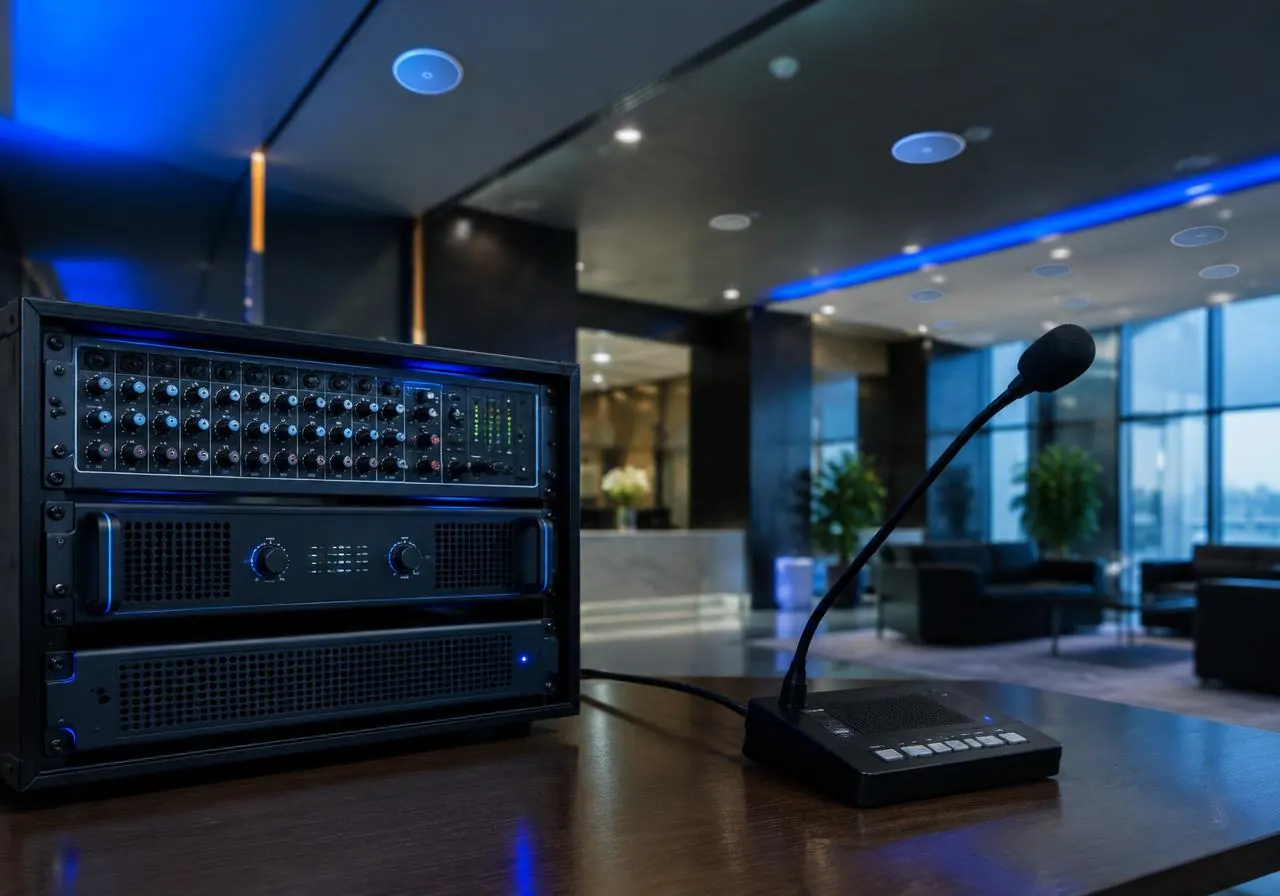
Module
PA System
Overview
What is a public address system?
A public address (PA) system delivers clear voice announcements and background music across a building or campus. Dawn IT Infra designs zoned PA systems so you can page one floor, a group of zones or the entire site — and broadcast pre-recorded emergency messages when it matters most.
We plan speaker types, positions and power levels based on room acoustics and ambient noise, so announcements are intelligible in quiet offices and noisy factory floors alike. Systems can be analog 100V line or IP-based for multi-building sites.
F · Features
What the system includes
The core capabilities we design into every PA System installation.
Zone-wise paging
Address one area, a group of zones or everyone at once from a paging console.
Background music
Separate music sources and volume per zone for lobbies, cafeterias and retail floors.
Emergency voice evacuation
Pre-recorded alert and evacuation messages, triggerable by the fire alarm system.
Right speaker for every space
Ceiling, wall, column, horn and pendant speakers matched to acoustics and noise.
Scheduled announcements
Automatic bells, prayer times, shift changes and recorded messages on schedule.
IP / networked PA
Network-based PA links multiple buildings and allows paging from a PC or phone.
A · Advantages
Why our approach is better
How our design and installation make the difference.
Acoustic planning
Speaker layout designed for clarity, not just volume.
Fire alarm integration
Automatic evacuation messages the moment a fire is detected.
Priority override
Emergency messages override music and routine paging automatically.
Expandable zones
Add zones, speakers and paging stations as your site grows.
B · Benefits
What it means for you
The real-world outcomes you can expect.
Faster communication
Reach staff, students or visitors instantly without phones or runners.
Safer evacuations
Calm, clear voice instructions guide people out during emergencies.
Better ambience
Background music improves the experience in retail, hospitality and offices.
Organised routines
Automated bells and announcements keep schedules on time.
Applications
Where PA System systems fit best
- 01Schools & colleges
- 02Factories & plants
- 03Malls & retail stores
- 04Hospitals
- 05Offices & IT parks
- 06Places of worship & auditoriums
How we deliver
Our PA System installation process
- STEP 01
Site Survey
We walk the site, map risk zones, cable routes, power points and existing infrastructure, and listen to how you actually use the space.
- STEP 02
Blueprint & Design
You receive a drawn layout: device positions, coverage zones, cable schedule and a clear bill of materials — before any drilling begins.
- STEP 03
Installation
Neat, labelled, concealed-where-possible installation following the approved drawing, with minimal disruption to your routine.
- STEP 04
Testing & Handover
Every device is tested and commissioned. We train your team, hand over credentials and documentation, and set up remote access.
- STEP 05
Support & AMC
Preventive maintenance, health checks and quick fault response keep the system working the way it did on day one.
FAQ
PA System questions, answered
More questions? See our full FAQ or call +91 83105 86411.
Works well with
Related systems
 DIT-0505/10
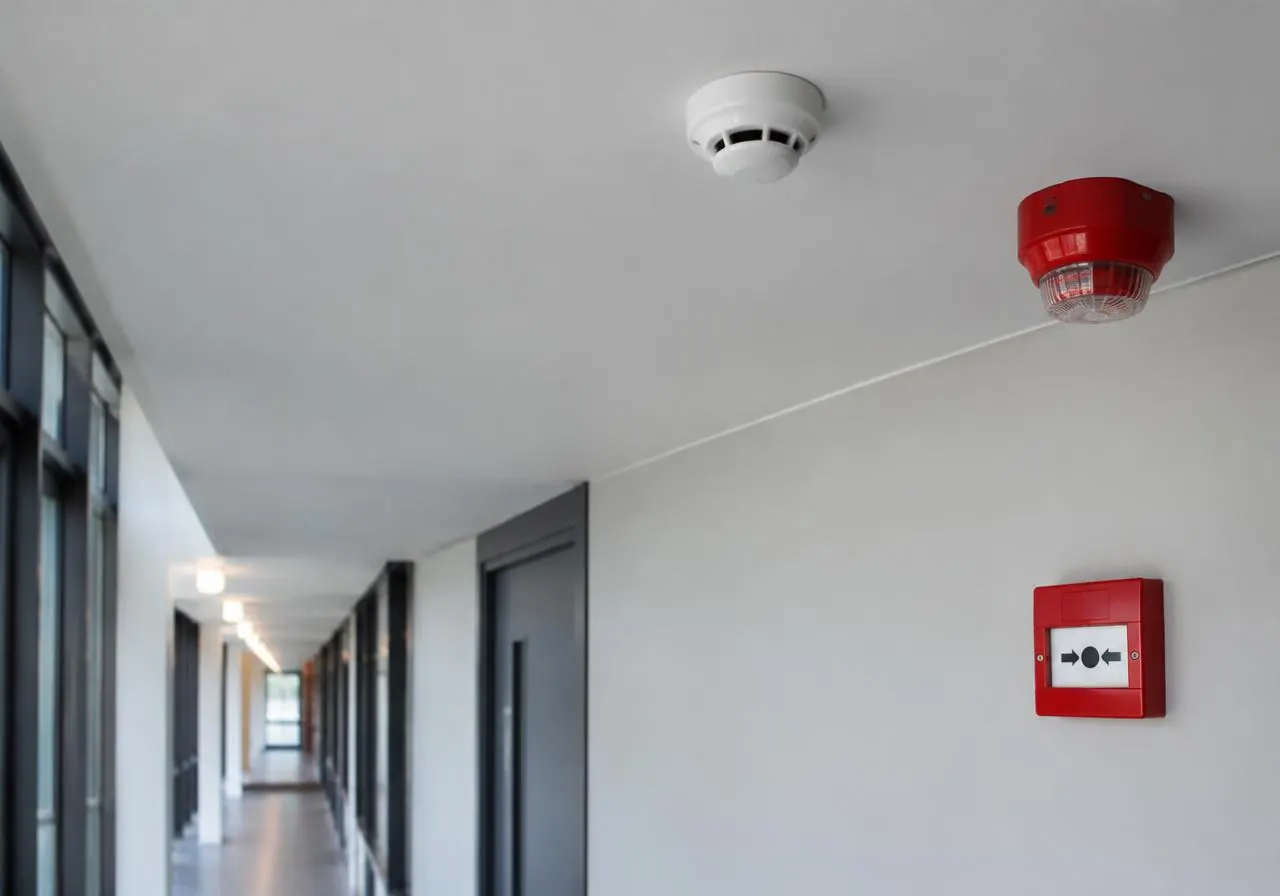
Fire Alarm System
Early fire detection and clear evacuation alerts that save lives and property.
 DIT-0909/10
Structured Cabling System
A clean, labelled, certified cabling backbone for every system you run.
 DIT-0101/10
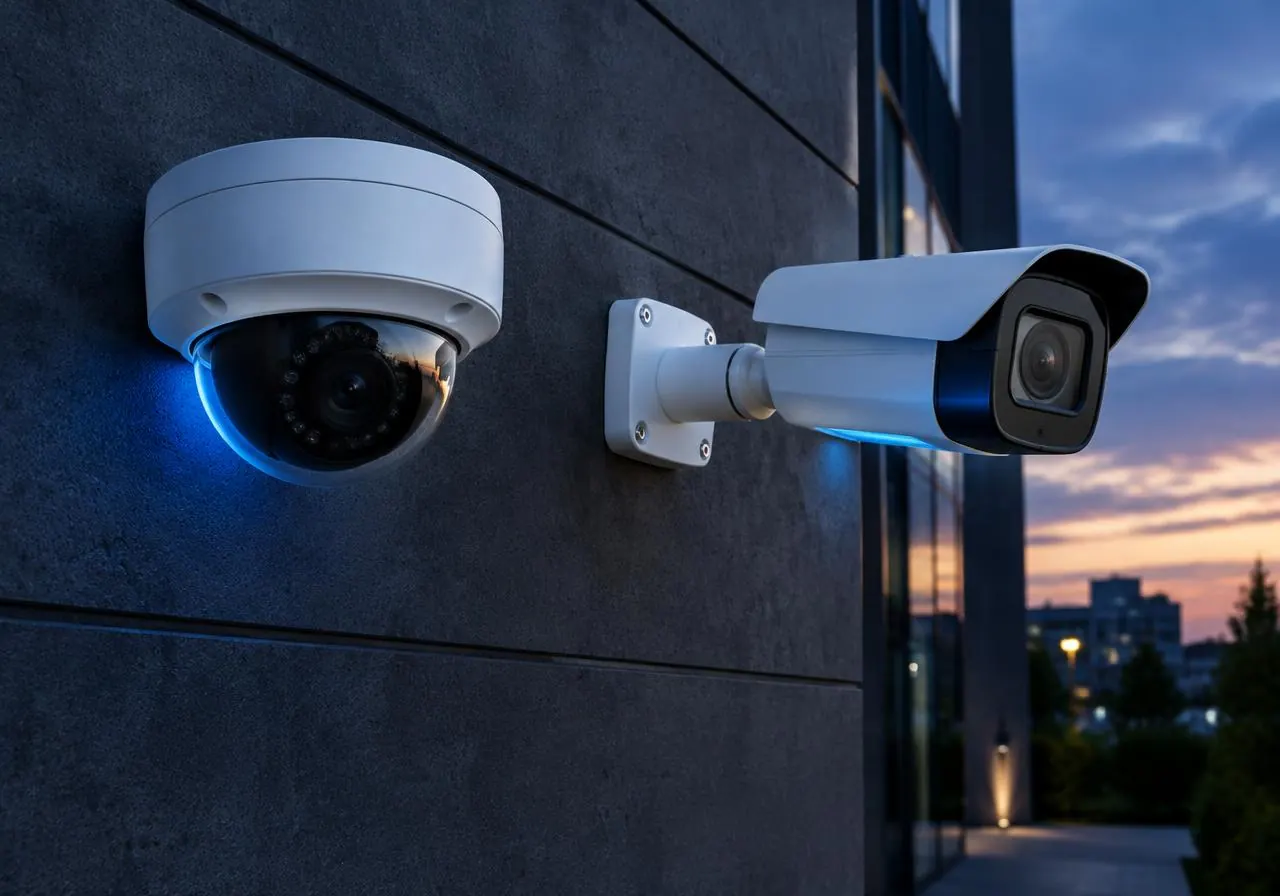
CCTV Surveillance System
See every corner, record every moment, review from anywhere.
Further reading
Plan your PA System system with us
Share your site details and we'll recommend the right design, hardware and layout.