Structured Cabling Best Practices for a New Office
Cat6 vs Cat6A, fibre backbones, rack layout, labelling and testing — what to insist on when cabling a new workspace.
Dawn IT Infra Team · · 7 min read
Cabling outlives every device
Computers, switches and access points are replaced every few years. Cabling stays in the walls for a decade or more. Getting it right during fit-out is one of the best investments an office can make.
Choose the right category
Cat6 is the dependable standard for most office, CCTV and Wi-Fi networks. Cat6A supports 10 Gbps up to the full channel length and handles higher-power PoE better — ideal for future-ready offices.
Plan more points than you think
Running extra cables during construction costs little compared with adding them later.
- Two data points per workstation
- Ceiling points for Wi-Fi access points
- Points for CCTV, access control, displays and printers
- Spare capacity in trays and conduits
Rack, label, document, test
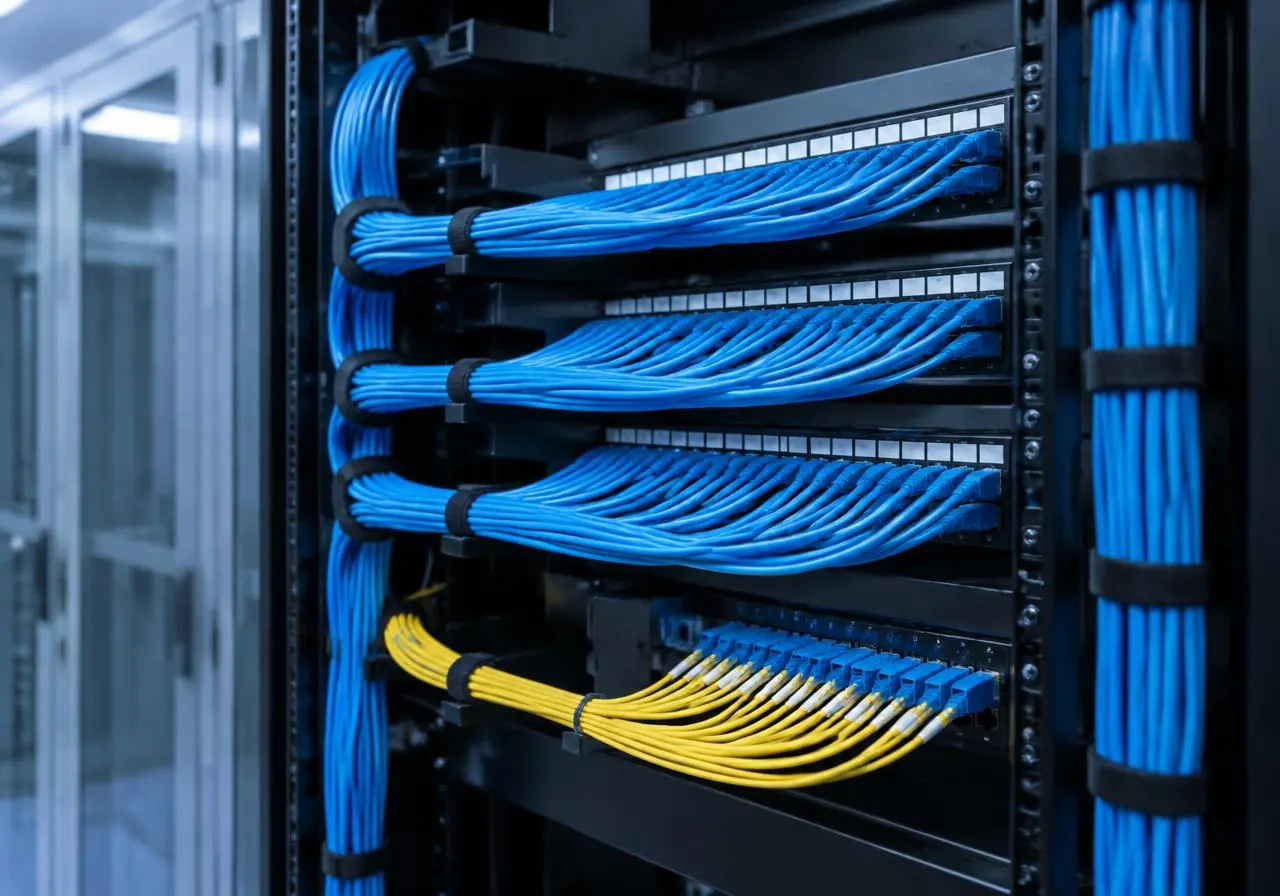
A tidy rack with patch panels and cable managers, every port labelled to a clear scheme, as-built drawings and a test report for every link — these four items separate structured cabling from a tangle of wires.
Use fibre for the backbone
Links between floors, buildings or distant racks should use fibre optic cable for bandwidth, distance and immunity to electrical interference.
Need help planning your system? Contact Dawn IT Infra or browse all products.
Related systems
 DIT-0909/10
Structured Cabling System
A clean, labelled, certified cabling backbone for every system you run.
 DIT-0808/10
Network Security & Firewalls
Keep attackers out, keep data in, and keep your business online.
 DIT-0101/10
CCTV Surveillance System
See every corner, record every moment, review from anywhere.
More articles
Ready to secure and connect your space?
Tell us about your site. We'll survey, draw the layout and share a clear proposal.